6× Faster Quote Turnaround
3× Better Tracking
Zero Pricing Errors
Signed in Minutes
5 Tools, 1 Window
Zero Design Work
Cut quote turnaround from days to minutes. Get a quoting solution that pulls pricing from your CRM, drafts on-brand quotes from a single prompt, and tracks every open, click, and readers all the way to signed and paid.
No CC Required, 14 Day Free Trial
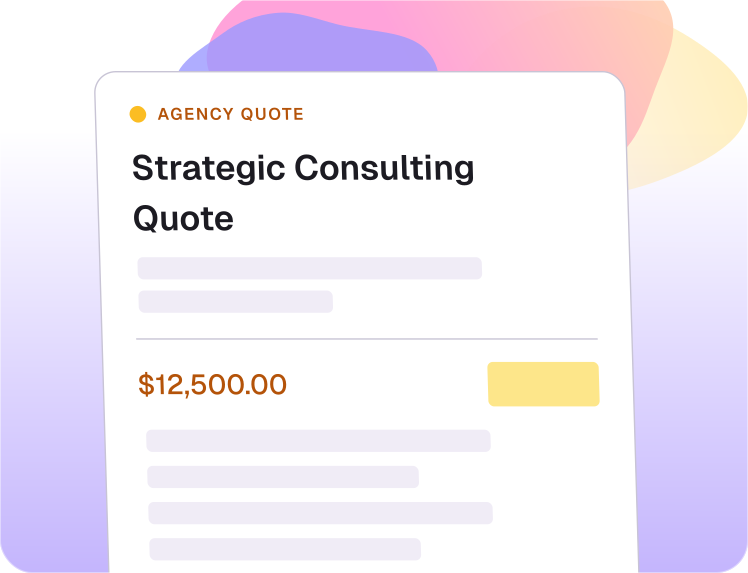
Get quote generation software that auto-builds pricing tables, applies your branding, and tracks every line the buyer looks at. No more emailing PDFs, no more chasing for a yes.
Quotes get messy when pricing, discounts, taxes, and service lines are copied from different places. ProposalBiz helps create cleaner quote documents with structured pricing tables.
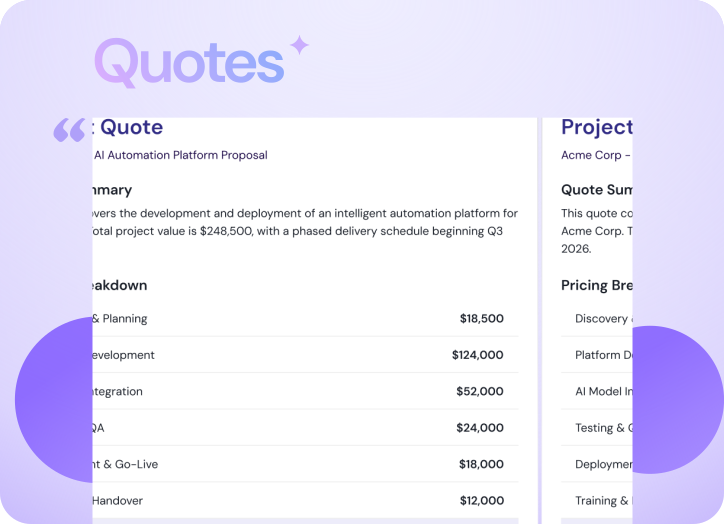
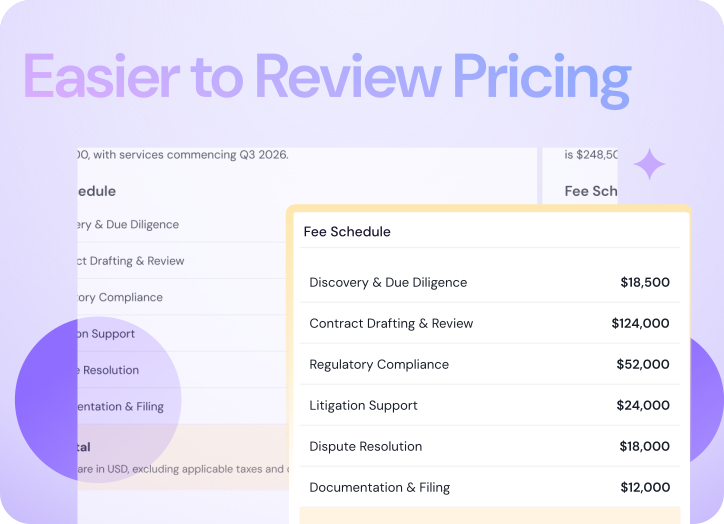
Buyers need clear numbers, not confusing line items. ProposalBiz helps present pricing in a clean format, so clients can understand what they are buying faster.
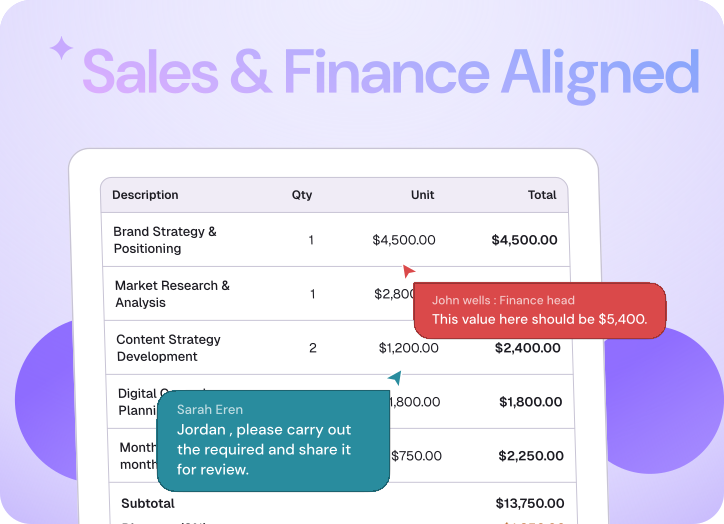
Quote mistakes usually happen when sales moves fast and finance enters late. ProposalBiz keeps pricing, review, and document edits in the same workspace before sending.
ProposalBiz helps ops and finance see the final Document Value in one place, so the closing deal amount stays clear without digging through separate files or scattered updates.
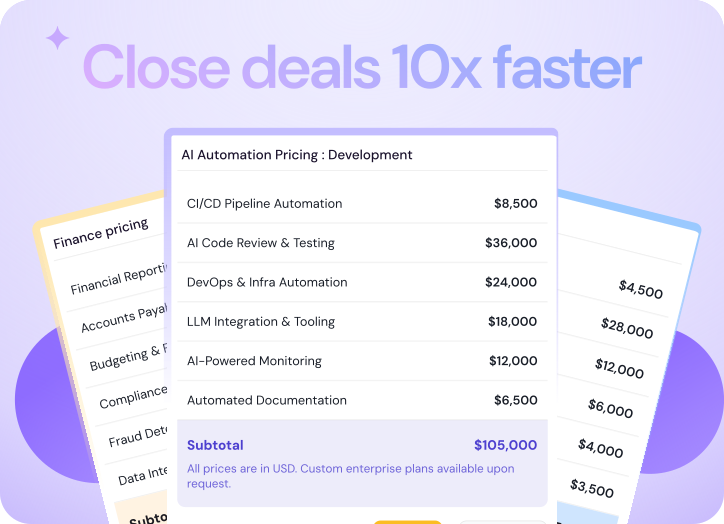
Proposal.biz is built from the ground up to eliminate spreadsheet chaos, automate tracking, and streamline financial sign-offs.
Create structured pricing tables with rates, discounts, and taxes arranged clearly for client review.
Keep quote details aligned with CRM records, reducing manual entry across sales and finance workflows.
Let finance and sales review quote sections inside the same document before it reaches the client.
See signed deal value in one view for each document, giving finance clearer visibility into commercial movement.
Let clients sign the approved quote inside the same document flow after reviewing the pricing.
Use payment integration after signing, keeping the commercial step close to the accepted quote.
Watch the AI pull pricing from your CRM, structure the line items, brand the quote, and stage it for send without a single number typed by hand.
Tell the AI which products, quantities, and discounts apply. The pricing table builds itself.
The AI applies your branding and formats the quote cleanly. Edit anything before it ships.
One link to the buyer. Engagement tracked, signature collected, payment landed without leaving the window.
The quoting software that drafts, brands, sends, signs, and collects payment in one window. You handle the buyer call.